◆ Pulse Tools
Working tools for the desk, not demo widgets
Portfolio tracking, sector comparison, and a market calendar built to sit alongside your existing research process — not replace it.
01 Portfolio Tracker
See your exposure the way the desk sees the market
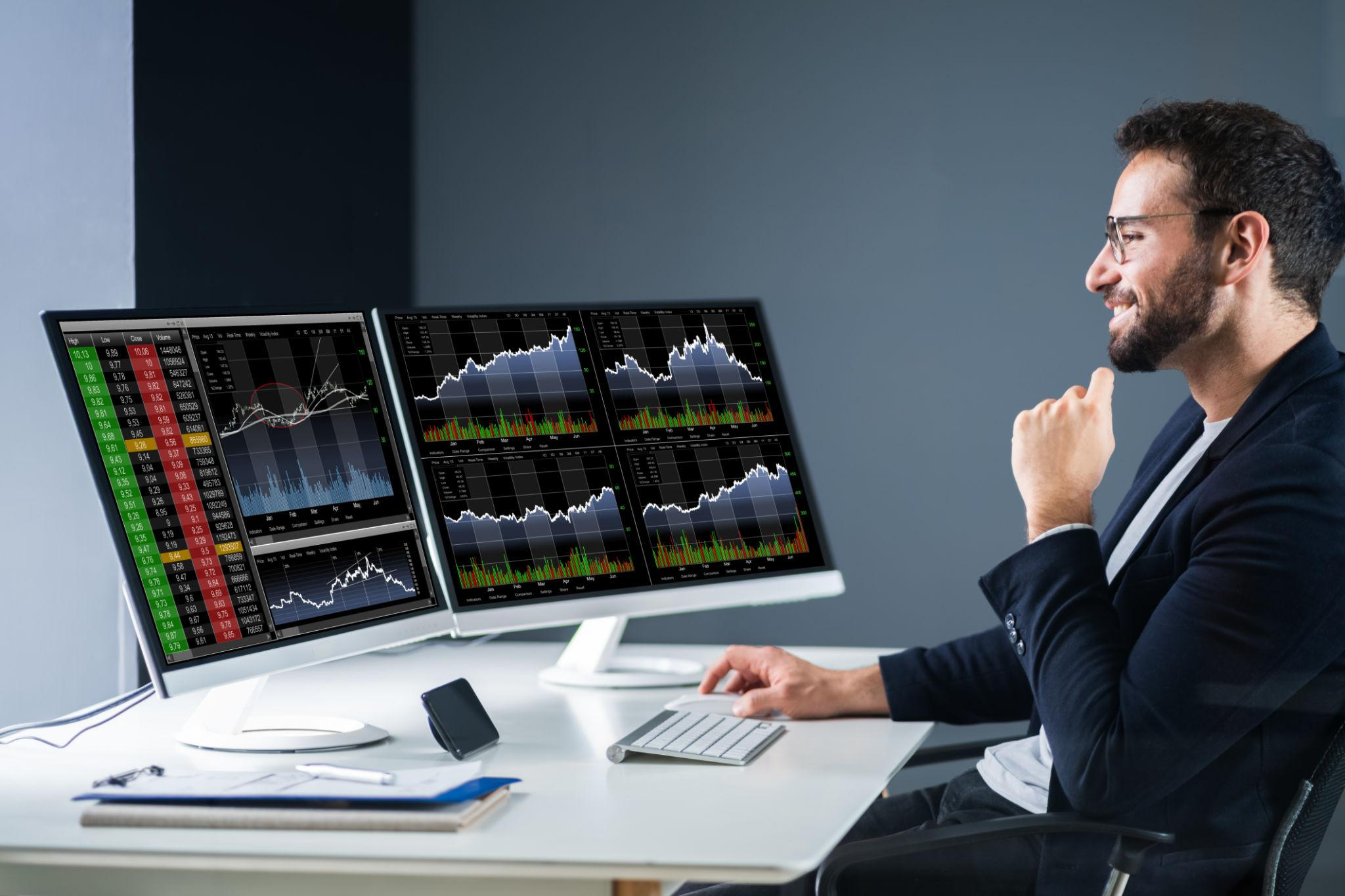
The Portfolio Tracker maps your holdings against sector weightings, so concentration risk shows up before it becomes a problem.
It's built to complement your brokerage statements, not replace them — a second lens on the same positions.
Sample Exposure Snapshot
02 Sector Comparison
Put two sectors side by side before you rotate
Sector Comparison lines up valuation, momentum, and earnings trend across any two sectors, so a rotation decision is based on more than headline performance.
| Metric | Technology | Financials |
|---|---|---|
| Forward P/E | 28.4x | 13.1x |
| Earnings Growth | +18% | +6% |
| Momentum | Strong | Improving |
03 Investment Checklist
Five questions before any new position
A short discipline check our analysts run before adding a name to any model portfolio.
Is the thesis testable?
A position should have a clear data point that would prove it wrong.
Does it duplicate exposure?
Check whether a new name adds real diversification or just doubles down.
What's the exit rule?
Write down the condition that would trigger a sale before you buy.
04 Market Calendar
What's on the calendar this month
05 Research Resources
Keep these open alongside the desk
Report archives, sector comparisons, and the investment checklist are built to be used together during a single research session, not read once and set aside.